


I cannot tell you how many times I have started a new website, email marketing plan, or social media strategy for a client and asked them to send over their brand assets, and what comes back is a fuzzy, pixelated version of their logo that they built themselves in Canva. Every time. And before we can do anything else, we end up either completely rebranding their business or recreating what they had in Illustrator, because what they sent cannot be used.
Here Is What Is Actually Happening
There are two reasons this keeps happening. The first is the quality issue. Canva exports image files, and image files have a resolution ceiling. They look fine on a phone screen. They fall apart the moment you need them anywhere else. The second reason is the one people do not see coming: licensing. If you used a Canva element in your logo, that element belongs to Canva’s library, not to you. You cannot trademark it. A designer cannot freely reproduce it. In some cases you cannot use it commercially the way you think you can. So now you have a logo you have been using for two years that you do not actually own outright, and that is a different kind of problem entirely.
I want to be clear that I am not anti-Canva. I use it. I recommend it. It is genuinely the right tool for a long list of things, and part of what I do is help people figure out which tool belongs where. But Canva and Illustrator are not interchangeable, and treating them like they are creates a specific kind of problem that is completely invisible until it is not.
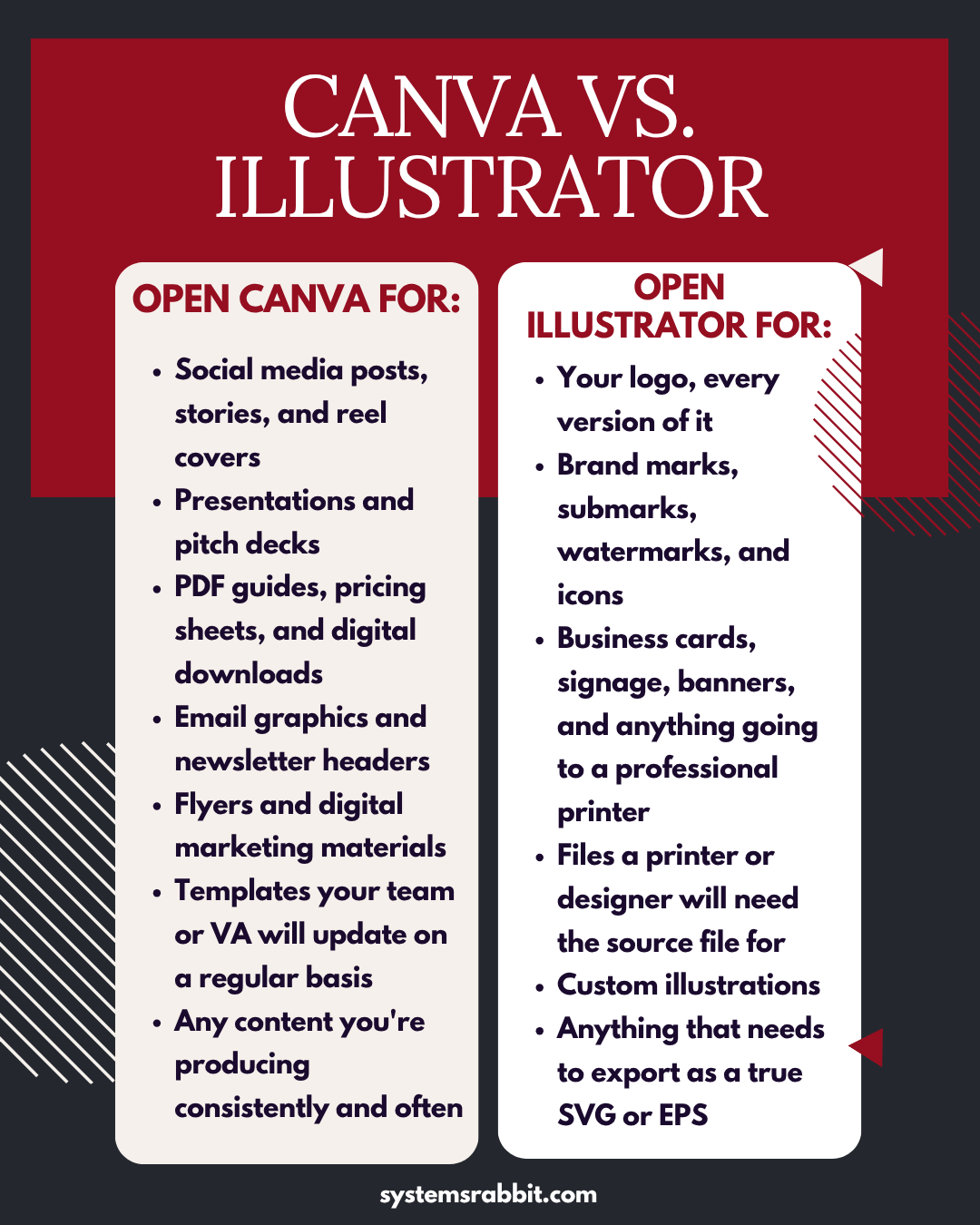
Here is how I think about it. Canva is for production. Social posts, presentations, PDF guides, pricing sheets, digital downloads, anything your team or your VA is going to update on a regular basis. It is fast, it is accessible, and it does not require a design background. For all of that, it is the right tool. The speed is the point.
Illustrator is for building. Logos, brand marks, submarks, watermarks, custom icons, anything that has to hold up at any size, on any surface, for the life of your business. Anything a printer will touch. Anything another designer will open and work from. Illustrator produces vector files, which are mathematically defined rather than pixel-based. You can scale a vector to the size of a billboard and the edges stay clean. You cannot do that with a Canva export, and you definitely cannot trademark a Canva element.
Build your brand identity in Illustrator once, using original elements you actually own. Use Canva for everything you produce from that identity. Those are two different jobs, and the tools were built for exactly that division of labor. When you use them that way, both of them work really well. When you blur that line at the logo stage, you are setting yourself up for a conversation like the ones I have been having for years, where we have to stop everything and go back to the beginning before we can move forward.
Excellent comparison